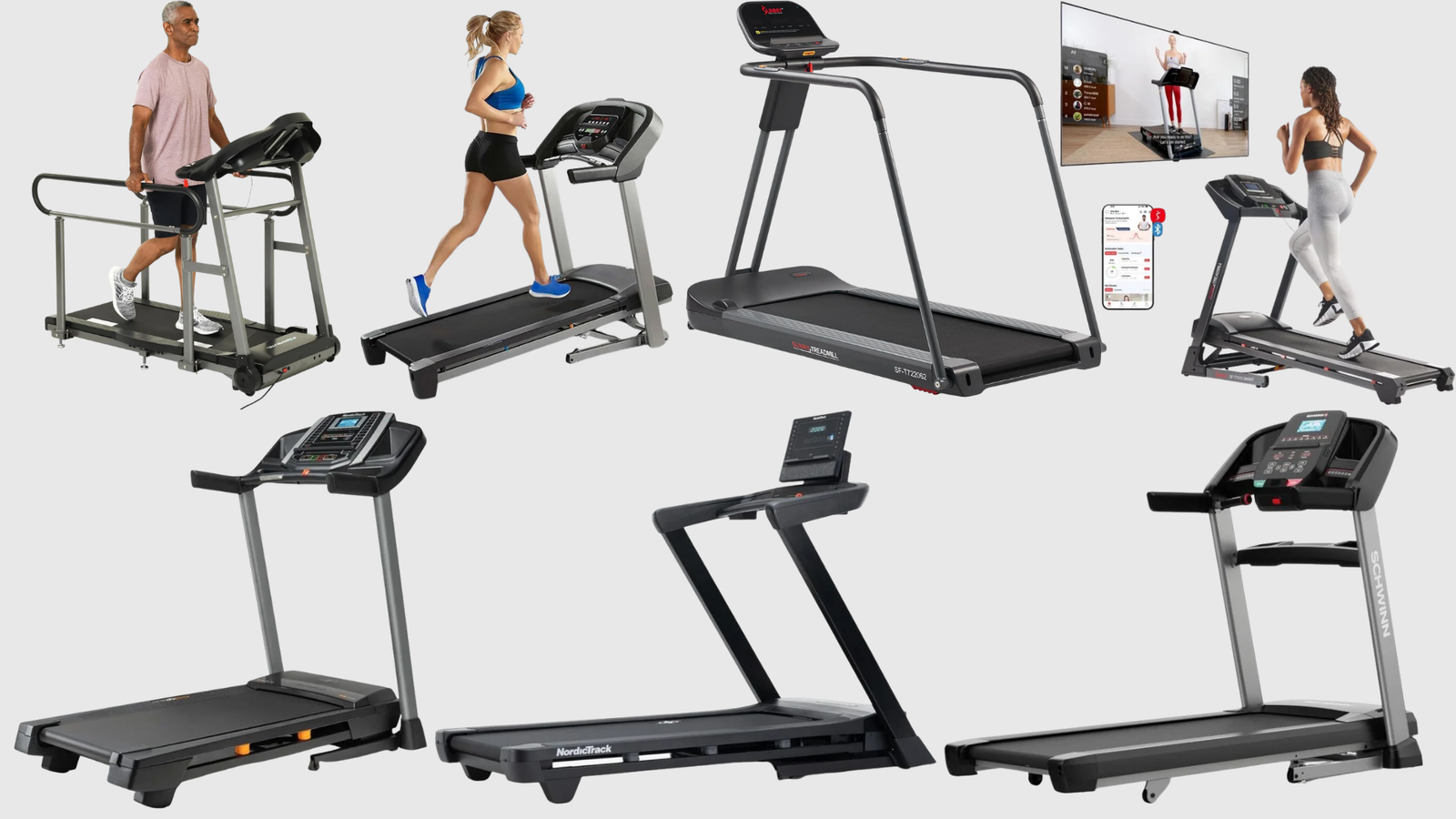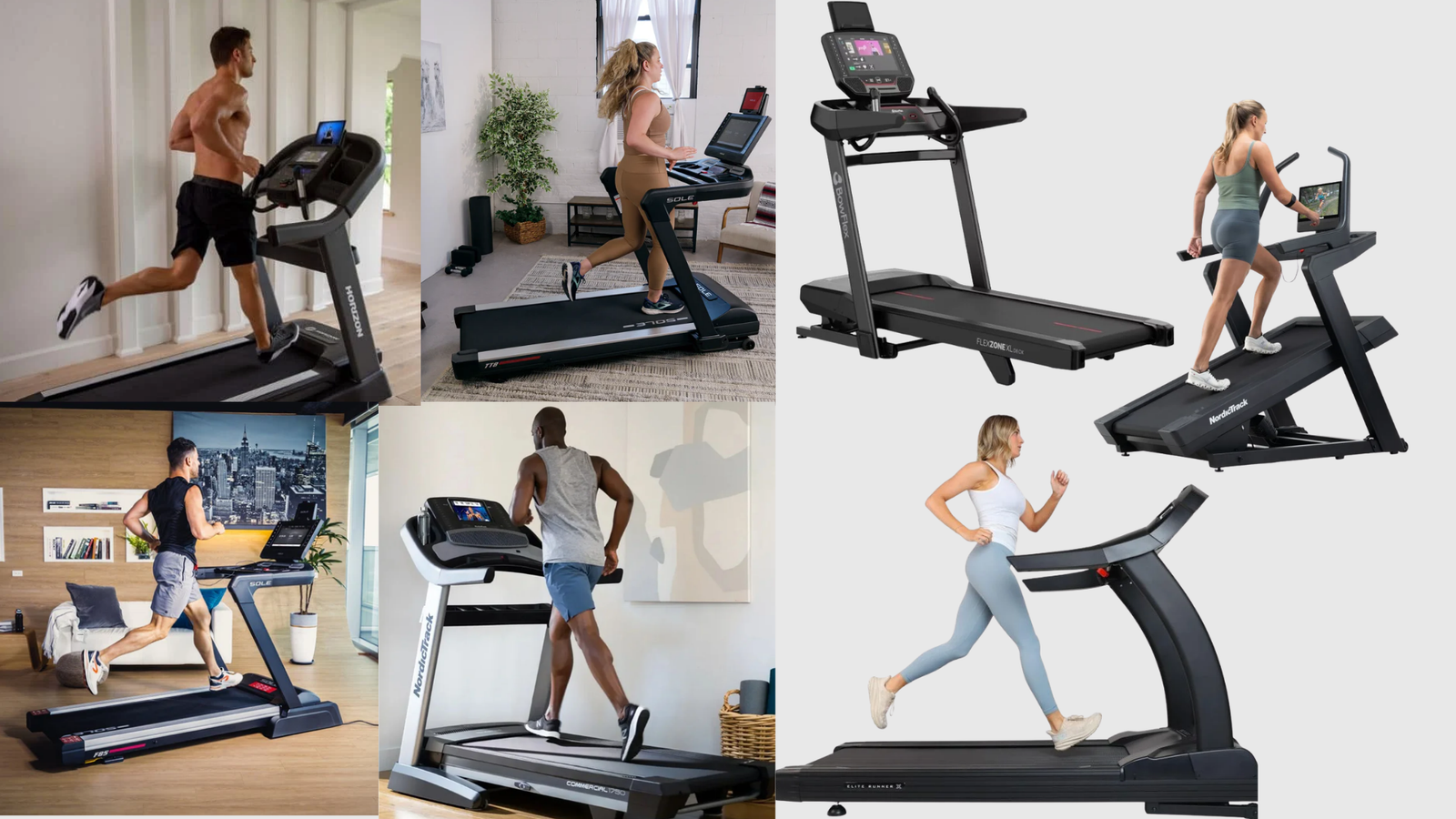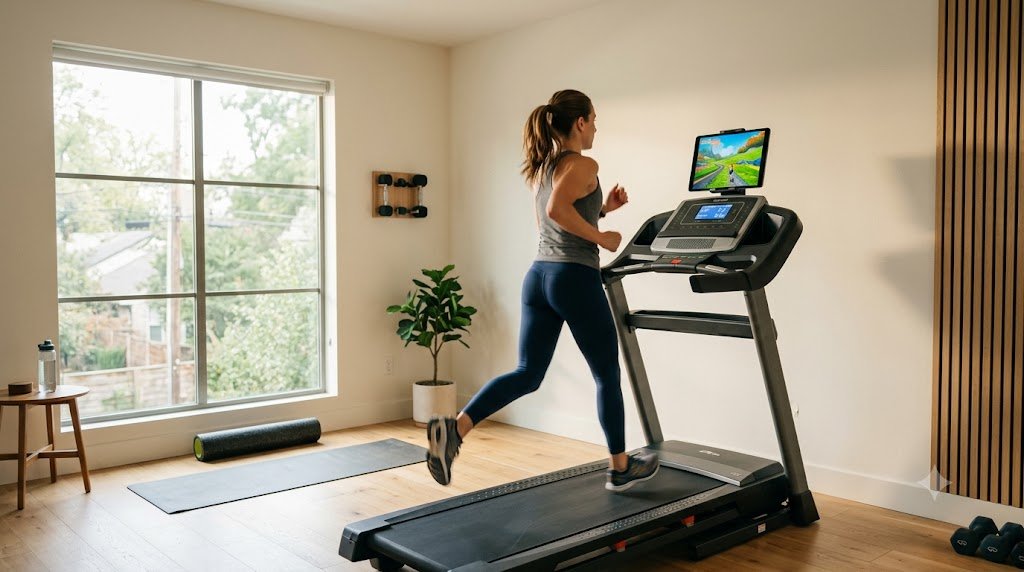
Zwift for running is free — a detail most articles on this topic skip entirely. Zwift’s own official pricing page confirms running is free, and a paid membership is only needed if you also want to cycle on Zwift, or if you want automatic incline control on specific premium treadmills. What you do need is a treadmill that broadcasts real-time speed data over Bluetooth FTMS, since that’s what lets Zwift track your pace as you run. I’m AnilKK, an INFS-certified nutrition and fitness coach with 24 years of running experience, and after verifying compatibility directly with each brand’s official specs (and ruling out several popular treadmills that don’t actually work the way their marketing suggests), here are 7 treadmills that genuinely connect to Zwift out of the box.
Here’s the part most “Zwift-compatible treadmill” roundups get wrong: they assume any treadmill with Bluetooth works. It doesn’t. Some of the most popular treadmill brands on the market use Bluetooth exclusively for their own proprietary app, which means they can’t talk to Zwift at all — no matter how good the hardware is. I checked each brand specifically for this before including it below.
Quick Answer: Horizon’s Studio Series (7.0 AT and up), Sole F65, Bowflex Treadmill 10, 3G Cardio Pro Runner, Schwinn 810, XTERRA TRX2500, and Spirit XT385 all broadcast genuine Bluetooth FTMS, meaning they connect directly to Zwift with no extra hardware needed. Avoid NordicTrack, ProForm, Sunny Health & Fitness, and most Life Fitness home treadmills for this specific purpose — their Bluetooth is locked to their own app and won’t talk to Zwift natively.
Table of Contents
What “Zwift Compatible” Actually Means
Zwift connects to treadmills using Bluetooth FTMS (Fitness Machine Service), an open industry standard that lets your treadmill broadcast real-time speed data to any app that supports it — Zwift, Kinomap, and others. The key word is “open.” Some treadmill brands implement FTMS exactly as intended, so any compatible app can read the data. Others build their own closed Bluetooth protocol that only talks to their proprietary app, which technically uses Bluetooth but can’t communicate with Zwift at all.
This is the single biggest source of confusion when shopping for a Zwift treadmill, and it’s exactly why NordicTrack and ProForm — two of the most popular treadmill brands in the country — don’t make this list. Their consoles are built around iFit, and getting them to work with Zwift requires a third-party workaround app that most people won’t want to deal with. Horizon’s own support documentation confirms this distinction extends within a single brand too — their budget Go Series treadmills don’t have FTMS at all, while their Studio Series does. If you don’t have a treadmill yet and Zwift is part of why you’re buying one, this distinction should be the first thing you check, not an afterthought.
7 Genuinely Zwift-Compatible Treadmills Compared
All specs below are confirmed directly from each brand’s official product pages, current as of this review.
| Treadmill | Motor | Top Speed | Incline | Deck | Weight Capacity |
|---|---|---|---|---|---|
| Horizon 7.0 AT | 3.0 CHP | 12 mph | 0-15% | 20″ x 60″ | 325 lbs |
| Sole F65 | 3.0 HP | 12 mph | Up to 15 levels | 22″ x 60″ | 325 lbs |
| Bowflex Treadmill 10 | 4.0 HP | 12 mph | -5% to 15% | 22″ x 60″ | 400 lbs |
| 3G Cardio Pro Runner | 3.0 HP | 12 mph | 0-15 levels | 20.5″ x 58″ | 350 lbs |
| Schwinn 810 | 2.6 CHP | 10 mph | 0-10% | 20″ x 55″ | 275 lbs |
| XTERRA TRX2500 | 2.25 HP | 10 mph | 0-10% | 20″ x 55″ | 300 lbs |
| Spirit XT385 | 3.5 HP | 12 mph | Up to 15 levels | 22″ x 60″ | 375 lbs |
One spec conflict worth flagging: Sole’s older marketing material describes the F65’s incline as “15 levels,” while more recent independent lab testing lists a 12.5% maximum incline. Both can be true simultaneously if the 15 levels simply don’t scale linearly to 1% increments — but since I can’t verify which figure is current without conflicting brand documentation, treat the incline range as “up to roughly 12-15%” rather than an exact number until confirmed.
The 7 Best Treadmills for Zwift, Reviewed
1. Horizon 7.0 AT — Best Value for Zwift Running
Warranty: Lifetime frame and motor, 3-year parts and electronics, 1-year labor.
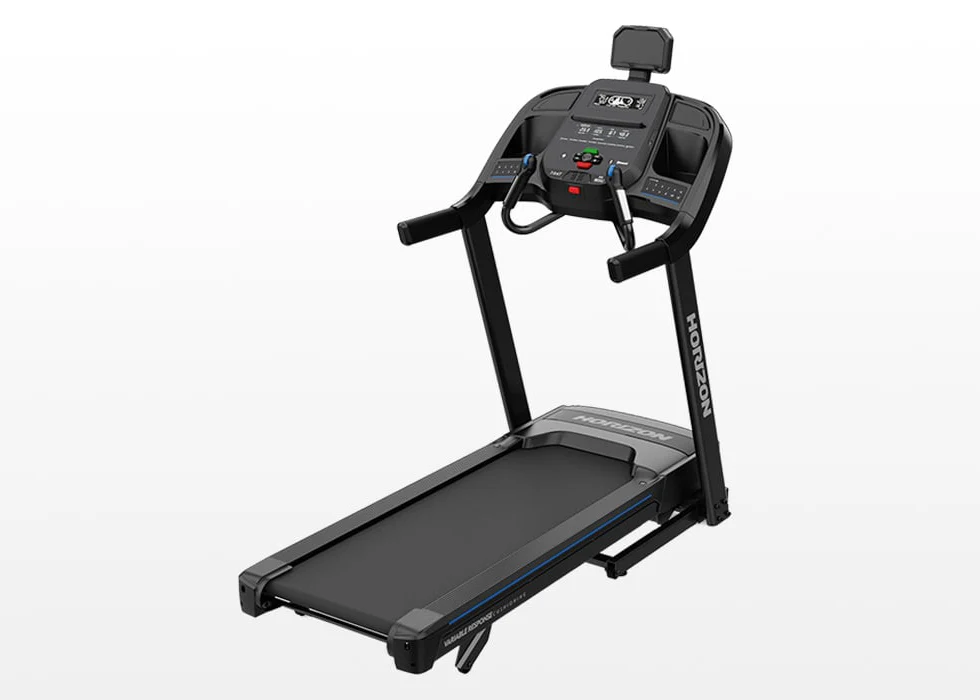
- 3.0 CHP motor, 0-12 mph speed range
- 0-15% incline, among the widest ranges in this price tier
- 20″ x 60″ deck with 3-Zone Variable Response Cushioning
- QuickDial speed and incline controls on the handlebars
- Native Bluetooth FTMS — confirmed Zwift, Kinomap, Peloton compatible
This is the entry point to Horizon’s Studio Series specifically — their budget Go Series models (T101, T202, T303) do not have FTMS and won’t connect to Zwift, despite some having Bluetooth for other functions. If you’re shopping by brand name alone, this distinction matters more than almost anything else on this list.
What Makes It Different: The 60″ deck and 15% incline range are genuinely rare at this price point, and the QuickDial handlebar controls make mid-run incline adjustments fast enough to actually use during interval training rather than fumbling with console buttons. Horizon explicitly markets this as a non-subscription alternative to iFit-locked competitors, which lines up with how cleanly it pairs to Zwift with no workaround required.
Best for: Runners who want the best Zwift compatibility-to-price ratio on this list, especially if incline training matters to your routine.
2. Sole F65 — Best Wider Deck for Taller Runners
Warranty: Lifetime frame and motor, 3-year deck/belt/mechanical/electronics, 1-year labor, 90-day cosmetic.
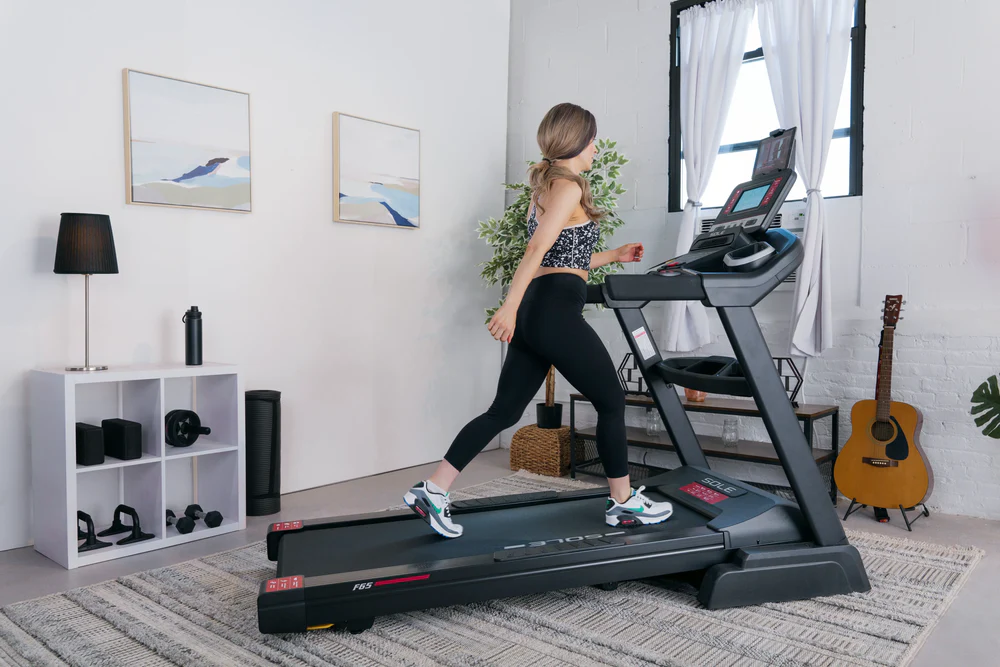
- 3.0 HP motor, 0-12 mph speed range
- 22″ wide deck — 2″ wider than most competitors on this list
- 9-inch backlit LCD
- No subscription required for any onboard feature
- Native Bluetooth FTMS, no workaround needed for Zwift
The F65’s 22-inch deck width stands out specifically because most treadmills in this comparison run 20 inches — that extra 2 inches matters if you run with a wider natural stride or just don’t want to think about side-rail clearance during a hard interval.
What Makes It Different: Sole skips the touchscreen entirely in favor of a simple LCD, which keeps the console subscription-free by design rather than as an afterthought. Combined with the lifetime frame and motor warranty Sole is known for, this is built as a long-term machine rather than one designed to push you toward a content platform.
Best for: Runners who specifically want a wider deck and don’t want a touchscreen console competing for attention with their tablet running Zwift.
3. Bowflex Treadmill 10 — Best for Decline Training
Warranty: 15-year frame and motor, 5-year mechanical parts, 2-year labor, 1-year electronics.
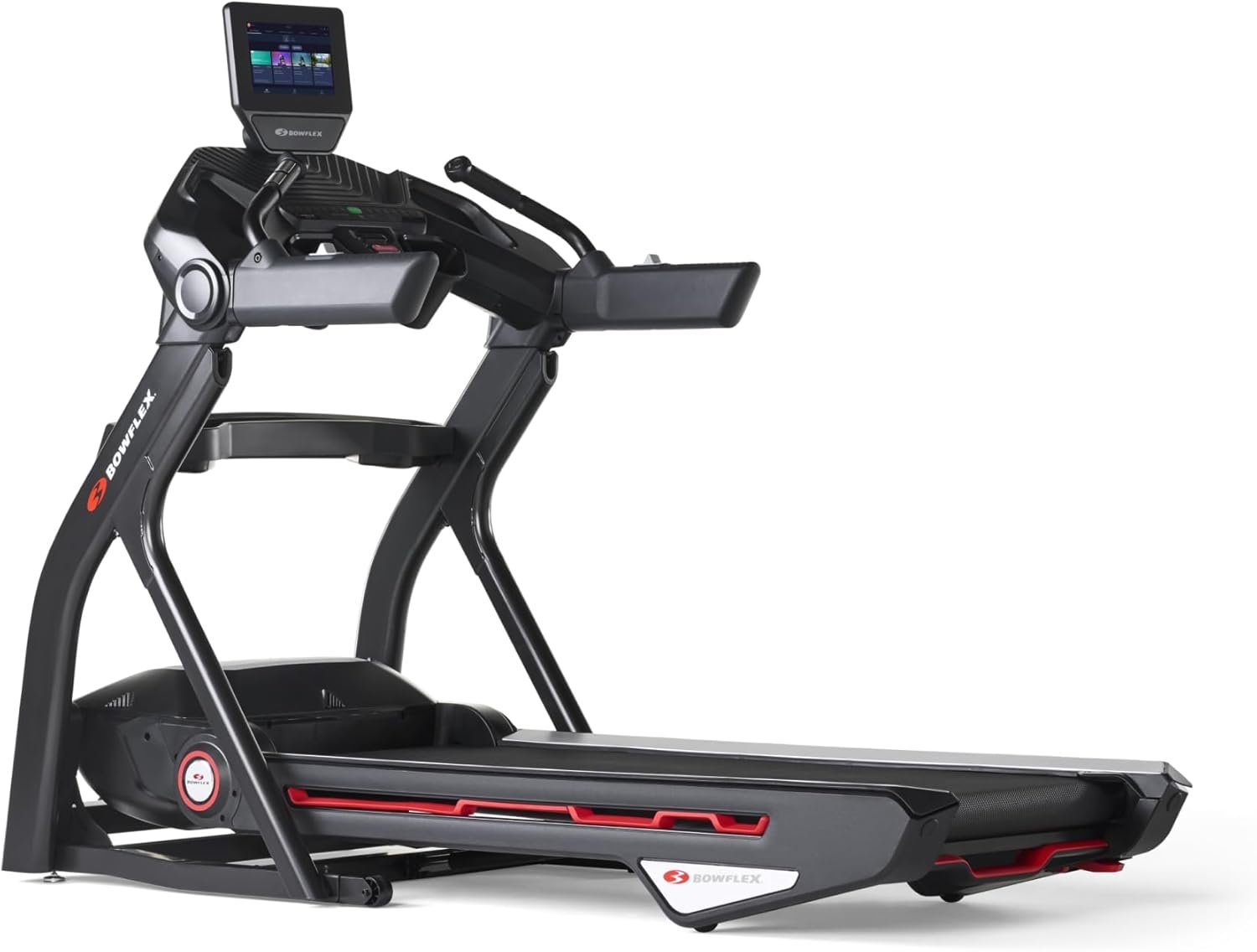
- 4.0 HP motor, the strongest on this list
- -5% to 15% incline/decline range — one of the only treadmills here with true decline
- 22″ x 60″ deck, 400 lb weight capacity
- 10″ touchscreen (Bluetooth FTMS works independently of the JRNY platform)
If you’re already familiar with this machine, my full Bowflex T10 treadmill review covers the JRNY subscription tradeoffs in more depth — but for Zwift purposes specifically, the FTMS connection works independently of whether you pay for JRNY at all.
What Makes It Different: The -5% decline is genuinely uncommon — most treadmills, including several others on this list, only go up. If you’re training for a race with downhill sections or just want variety beyond constant incline, this is the only machine here that offers it.
Best for: Heavier runners (up to 400 lbs) or anyone specifically wanting decline training alongside Zwift’s incline simulation.
4. 3G Cardio Pro Runner — Best for Small Spaces
Warranty: Lifetime frame and motor, 5-year parts, 1-year labor.
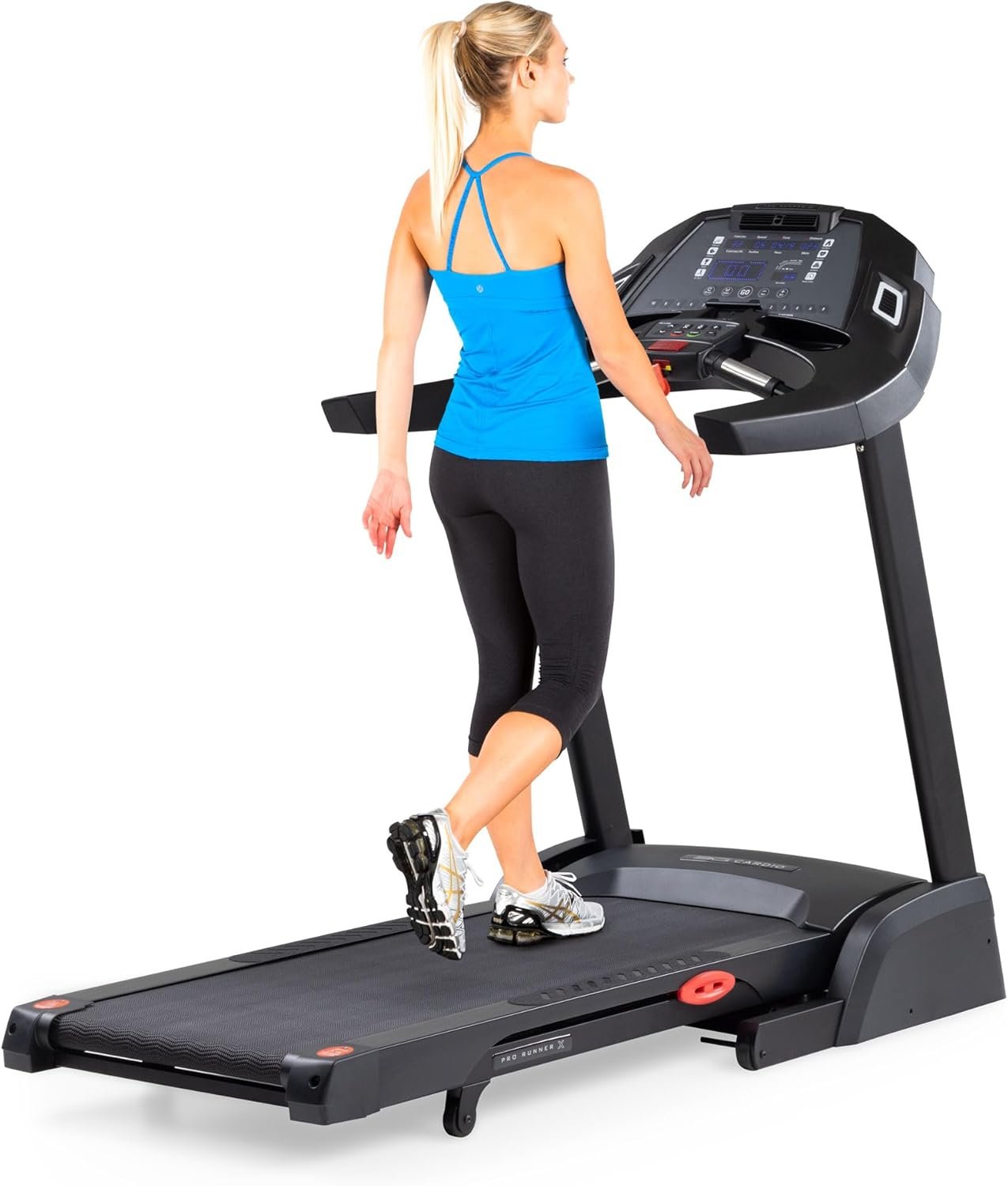
- 3.0 HP motor, 0-12 mph, reaches top speed in 18 seconds
- 0-15 incline levels
- Folds to 40″ x 35″ — among the smallest folded footprints here
- 6.5″ step-up height, among the lowest available
- FreeSync FTMS — the brand’s own name for their native Bluetooth implementation, explicitly marketed for Zwift use
3G Cardio builds its entire console philosophy around avoiding subscription lock-in, branding their FTMS implementation “FreeSync” and explicitly advertising Zwift and Kinomap compatibility directly on their Amazon listing — a level of explicit Zwift marketing none of the other five brands on this list match.
What Makes It Different: The low 6.5″ step-up height and compact folded size make this a genuinely strong fit for smaller homes, without sacrificing the 3.0 HP motor or 350 lb capacity that the more compact XTERRA and Schwinn options on this list don’t quite match.
Best for: Anyone in a smaller space who still wants a full-capability running treadmill rather than a compromise.
5. Schwinn 810 — Best Budget Pick
Warranty: Standard coverage included; Schwinn offers a paid 3-year parts and labor extension for an additional cost — confirm current terms before purchase, since I couldn’t verify the exact base warranty length from official sources.
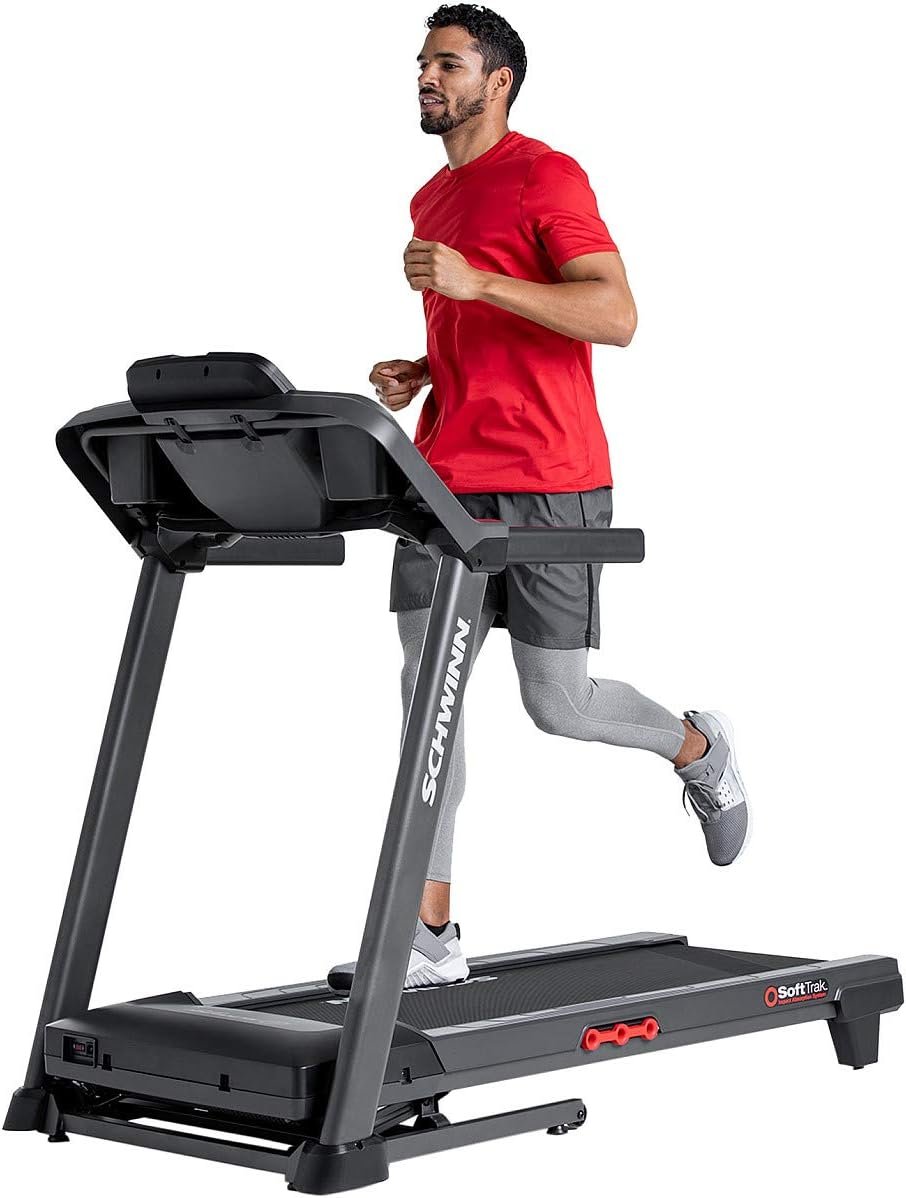
- 2.6 CHP motor, 0-10 mph speed range
- 0-10% incline
- 20″ x 55″ deck, 155 lb machine weight (genuinely light and portable)
- Full Bluetooth FTMS — confirmed directly on Schwinn’s official spec sheet
At under $900, this is the most affordable genuinely Zwift-native treadmill on this list, and it’s also the lightest at 155 lbs — light enough that one person can realistically move it without help, which isn’t true of anything else here.
What Makes It Different: Schwinn explicitly markets app freedom as their core differentiator against NordicTrack and ProForm, and the FTMS implementation backs that up — you can run Zwift, Kinomap, or Peloton without being funneled into a single platform.
Best for: Budget-conscious runners who want confirmed Zwift compatibility without paying mid-range prices, and who don’t need speeds above 10 mph.
6. XTERRA TRX2500 — Best for Walkers Transitioning to Running
Warranty: Frame and motor warranty confirmed as a standard XTERRA inclusion; exact term length should be confirmed at time of purchase, as I could not verify a specific figure for this model from official sources.
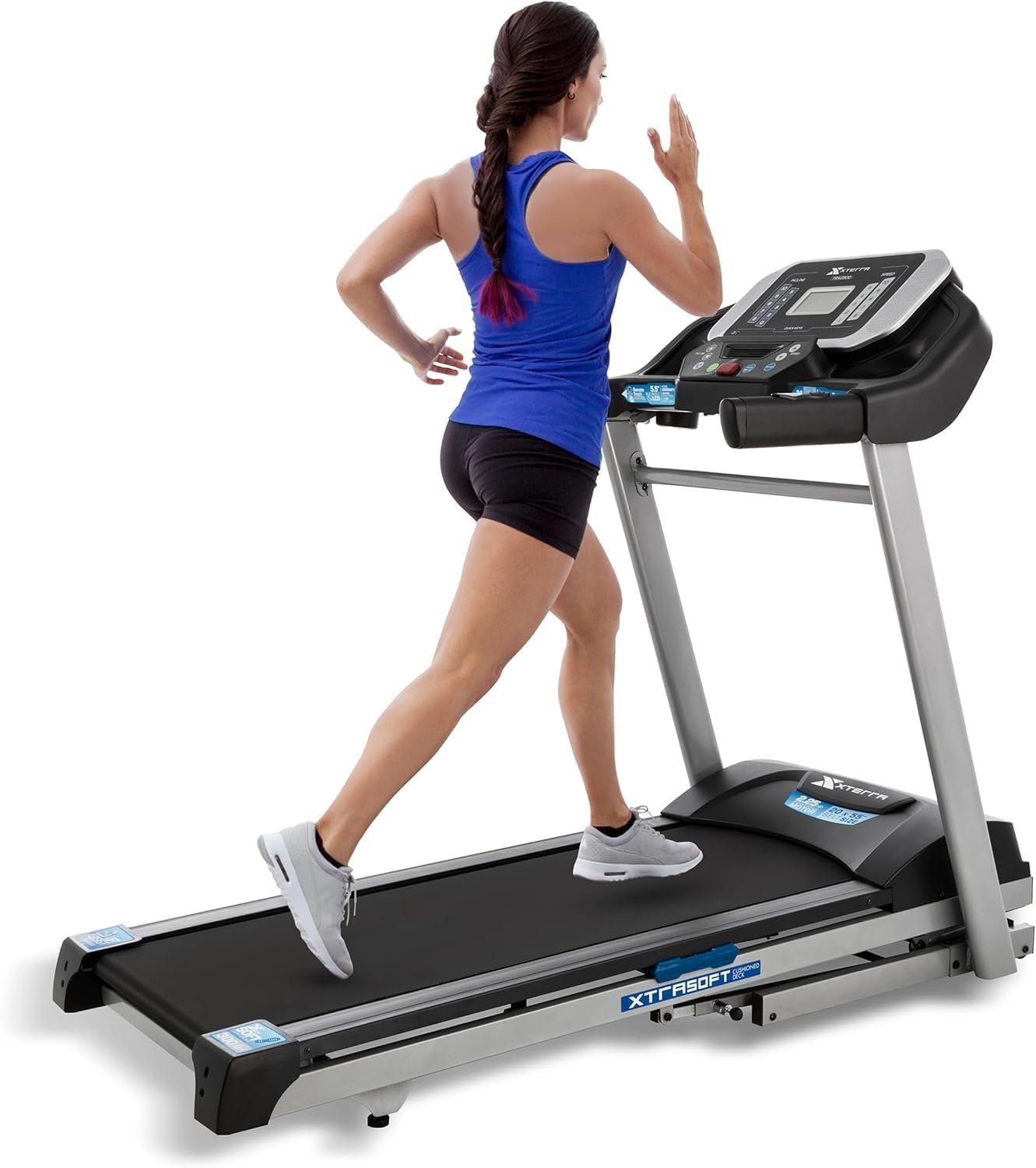
- 2.25 HP motor, 0-10 mph speed range
- 0-10% incline
- 20″ x 55″ deck, 300 lb weight capacity
- Built-in FTMS-enabled Bluetooth, confirmed via official product listing
This is a lighter-duty machine than the other five — the 10 mph top speed and smaller motor are better suited to walking and light-to-moderate jogging than serious distance running, which is worth knowing before you buy specifically for Zwift’s running mode.
What Makes It Different: XTERRA’s FTMS implementation works alongside their own XTERRA+ app rather than locking you out of third-party options, which is the same open approach Schwinn takes but at an even lower price point.
Best for: Walkers and light joggers easing into Zwift running who don’t need a high-speed machine yet.
7. Spirit XT385 — Best Lifetime Warranty for Zwift Running
Warranty: Lifetime frame, motor and deck, 10-year parts, 1-year labor
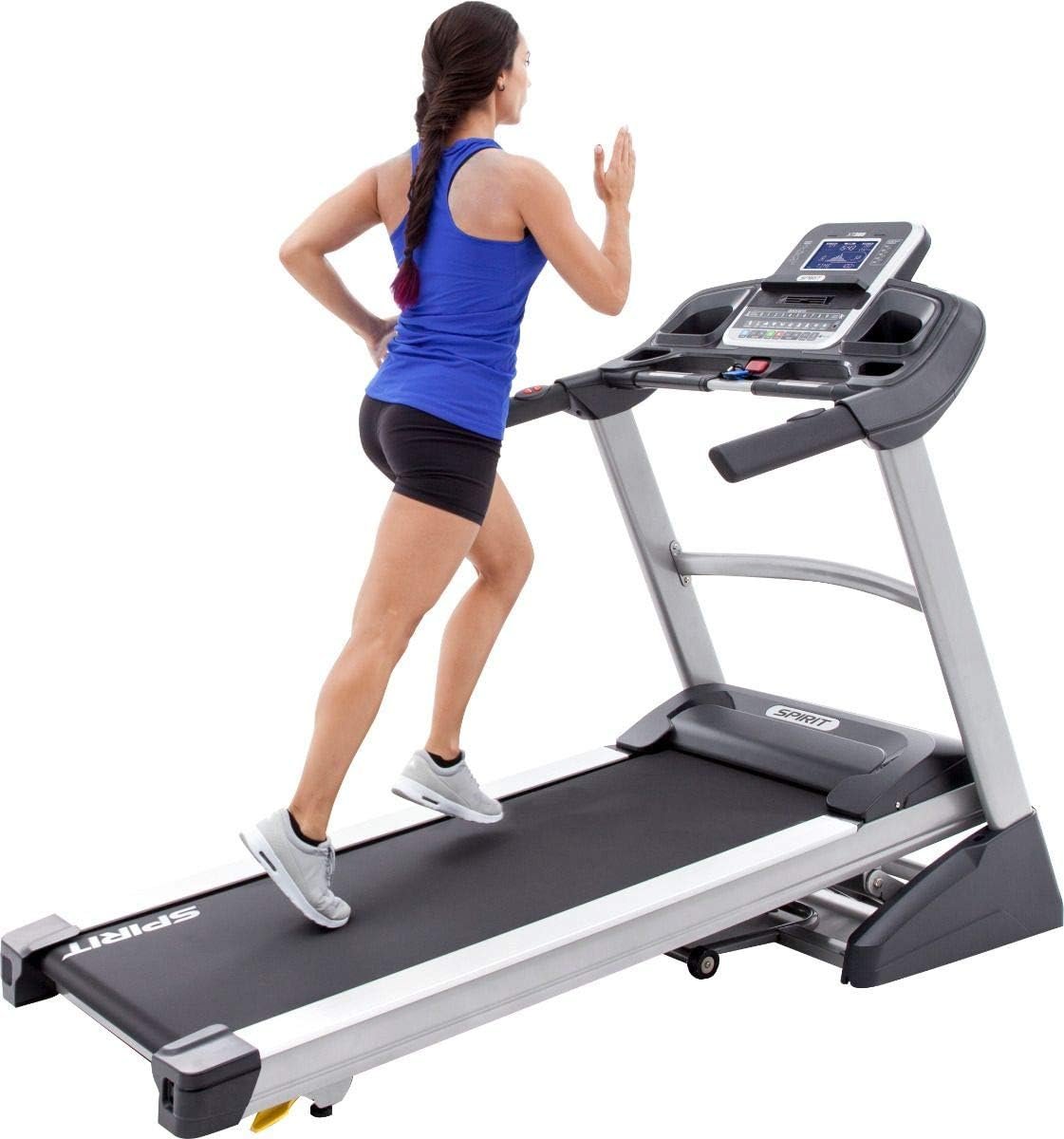
- 3.5 HP motor, 0.5–12 mph speed range
- Up to 15 incline levels
- 22″ x 60″ deck, 375 lb weight capacity
- Built-in Bluetooth FTMS; Spirit’s own product page names Zwift and Kinomap as compatible apps
This is a full-size runner’s machine: the 22″ x 60″ belt, 12 mph top speed and 3.5 HP motor handle real Zwift running sessions. It is heavy at about 287 lb and still stands around 72 inches tall when folded, so check your space first. Smart-device subscriptions are not included.
What Makes It Different: Spirit adds lifetime deck coverage on top of the frame and motor, plus 10-year parts cover, while its own page lists Zwift and Kinomap as supported apps.
Best for: Runners up to about 345 lb who want a full-size belt, 12 mph and long-term warranty cover for regular Zwift running.
Treadmill Brands That Don’t Actually Work With Zwift
NordicTrack and ProForm build their consoles around the iFit platform. Their official support channels confirm only iFit connects natively — Zwift requires an unofficial third-party workaround app most users won’t want to set up, and NordicTrack does not officially support Zwift pairing.
Sunny Health & Fitness treadmills use Bluetooth exclusively to connect to their own SunnyFit app. None of their current home treadmill listings mention FTMS or third-party app compatibility.
LifeSpan’s treadmill lineup is built entirely around under-desk walking treadmills capped around 4 mph — not running-capable in the first place, and their Bluetooth connects only to LifeSpan’s own app, not FTMS.
This isn’t to say these are bad treadmills generally — several are excellent for their intended purpose. They simply aren’t a fit if Zwift running is specifically why you’re buying one.
How to Connect Your Treadmill to Zwift
- Open Zwift and go to Paired Devices. Select RUN, then RUN SPEED, and choose your treadmill from the list.
- Make sure you’re in the RUN section, not RIDE. Treadmills pair under running, not the cycling pairing screen.
- Update your treadmill’s firmware first if it’s been a while. Most manufacturers require their own app to push firmware updates before Bluetooth pairing works reliably.
- Add a heart rate strap separately if you want one. It pairs on the same screen but as its own device, not bundled with speed data.
- Remember running itself is free. You don’t need a paid Zwift membership unless you also want to cycle, or want automatic incline control with specific premium treadmills.
For broader guidance on building a treadmill running routine once you’re connected, my treadmill workouts for weight loss guide and muscles involved in treadmill workouts guide both cover practical structure that applies whether you’re running on Zwift or not. If you’re still deciding on a treadmill more broadly before narrowing to Zwift compatibility specifically, my best treadmill for runners guide and best treadmill for home use guide both give a wider view of the field.
Frequently Asked Questions
What treadmills are compatible with Zwift?
Treadmills that broadcast genuine Bluetooth FTMS connect to Zwift natively, including Horizon’s Studio Series, Sole F65, Bowflex Treadmill 10, 3G Cardio Pro Runner, Schwinn 810, XTERRA TRX2500, and Spirit XT385. Many popular treadmills, including NordicTrack and ProForm, use closed Bluetooth protocols that don’t communicate with Zwift despite having Bluetooth capability.
What is the best treadmill for Zwift?
The Horizon 7.0 AT offers the strongest combination of confirmed Zwift compatibility, a 60-inch deck, and a 15% incline range for its price. Runners wanting more power or decline training should consider the Bowflex Treadmill 10, while budget-focused buyers should look at the Schwinn 810.
Is Zwift running free?
Yes. Running on Zwift is completely free once you create an account. A paid membership is only required if you also want to use Zwift’s cycling features, or if you want automatic incline control with specific premium treadmills like the Wahoo KICKR RUN.
Does NordicTrack work with Zwift?
Not officially. NordicTrack and ProForm treadmills are built around the iFit platform, and their Bluetooth does not broadcast the FTMS protocol Zwift needs to read speed data. Connecting one to Zwift requires an unofficial third-party workaround app, which NordicTrack does not officially support.
What is Bluetooth FTMS and why does it matter for Zwift?
FTMS (Fitness Machine Service) is an open Bluetooth standard that lets fitness equipment broadcast data to any compatible app. Treadmills with genuine FTMS connect to Zwift, Kinomap, and similar apps with no extra hardware. Treadmills without it, even if they technically have Bluetooth, typically can’t communicate with third-party apps like Zwift at all.
Can I use Zwift without a compatible treadmill?
Yes. If your treadmill doesn’t have Bluetooth FTMS, you can still use Zwift with an external foot pod or running sensor that clips to your shoe and transmits speed data separately. It’s a workable solution, but a treadmill with native FTMS is generally more accurate and doesn’t require extra hardware.
Do I need a screen on my treadmill to use Zwift?
No. None of the treadmills on this list need a built-in touchscreen to run Zwift — you pair your own phone, tablet, or laptop to the treadmill via Bluetooth and run the Zwift app on that device instead. A device holder or tablet rack, which most of these treadmills include, is genuinely useful for this setup.
Why doesn’t my Sunny Health & Fitness treadmill connect to Zwift?
Sunny Health & Fitness treadmills use Bluetooth exclusively to connect to their own SunnyFit app, not the open FTMS protocol Zwift requires to read speed data. This means the treadmill has Bluetooth, but it can’t communicate with Zwift directly.
Affiliate Disclosure: My Active Tribe is reader-supported. If you buy through links on this page, we may earn an affiliate commission at no extra cost to you. This never affects our recommendations.